Thank you. Here's your licence key.
Confirming your payment with Stripe…
Next steps
- Install StepCert from the Chrome Web Store.
- Open StepCert from the toolbar and sign in with your email address and this licence key.
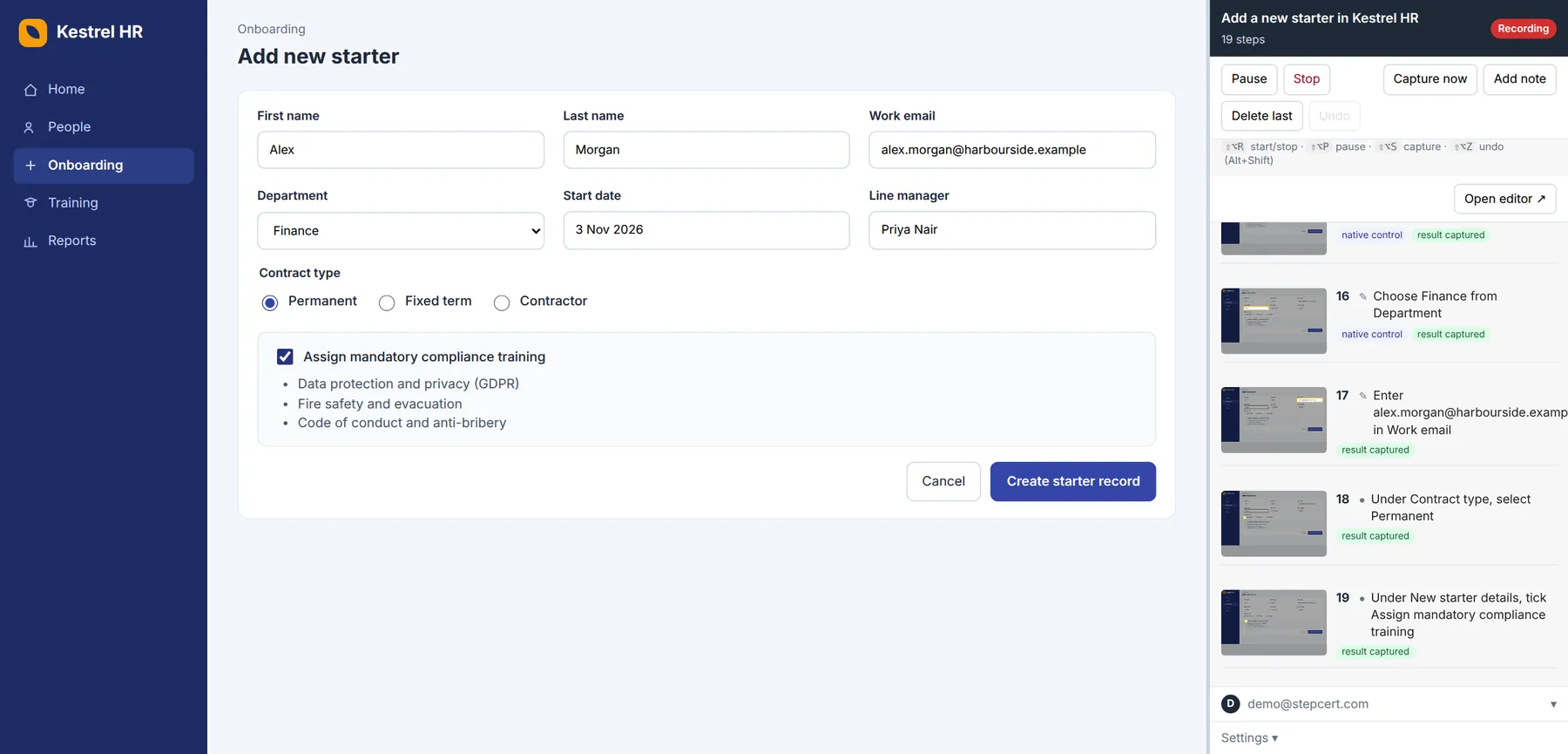
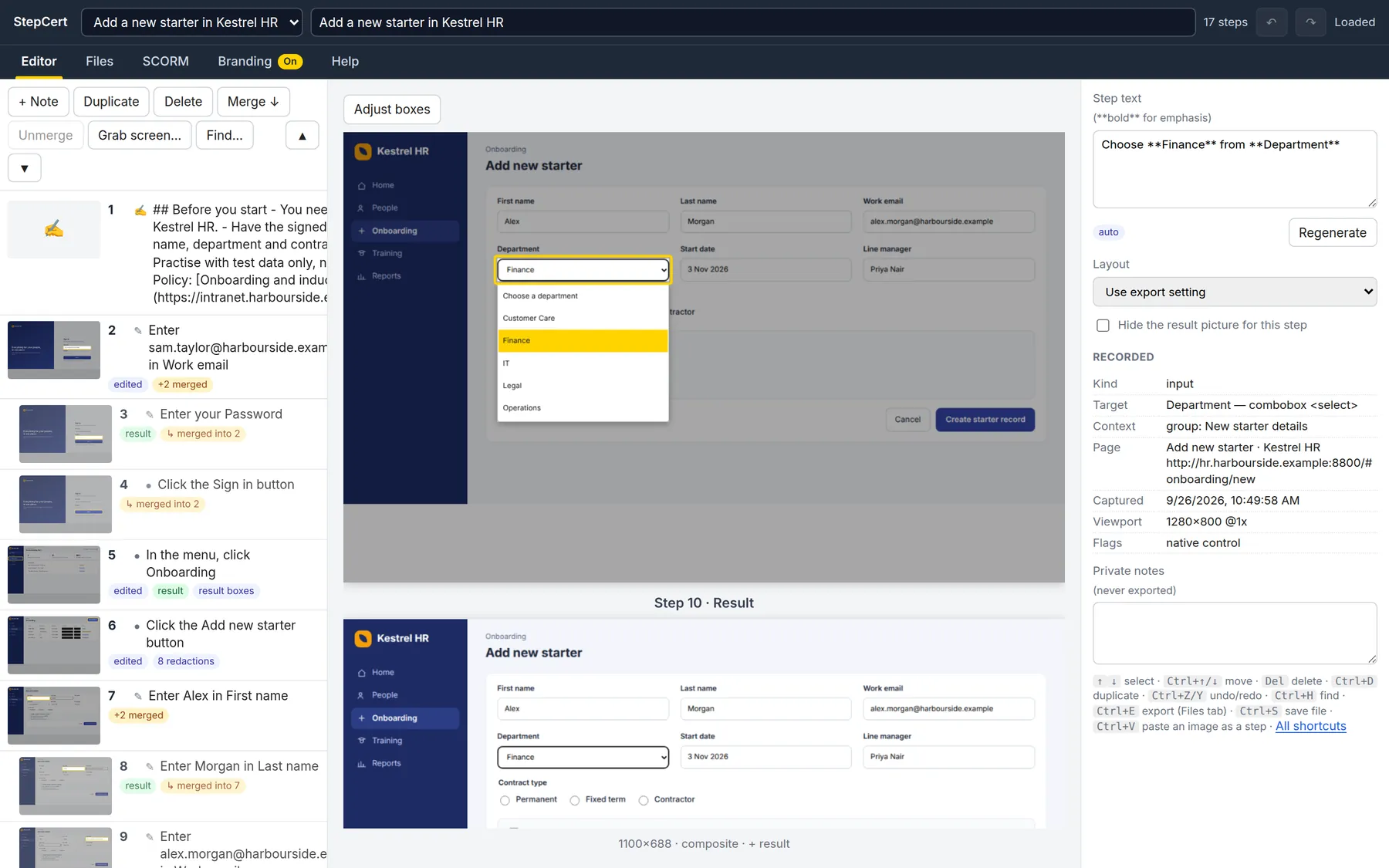
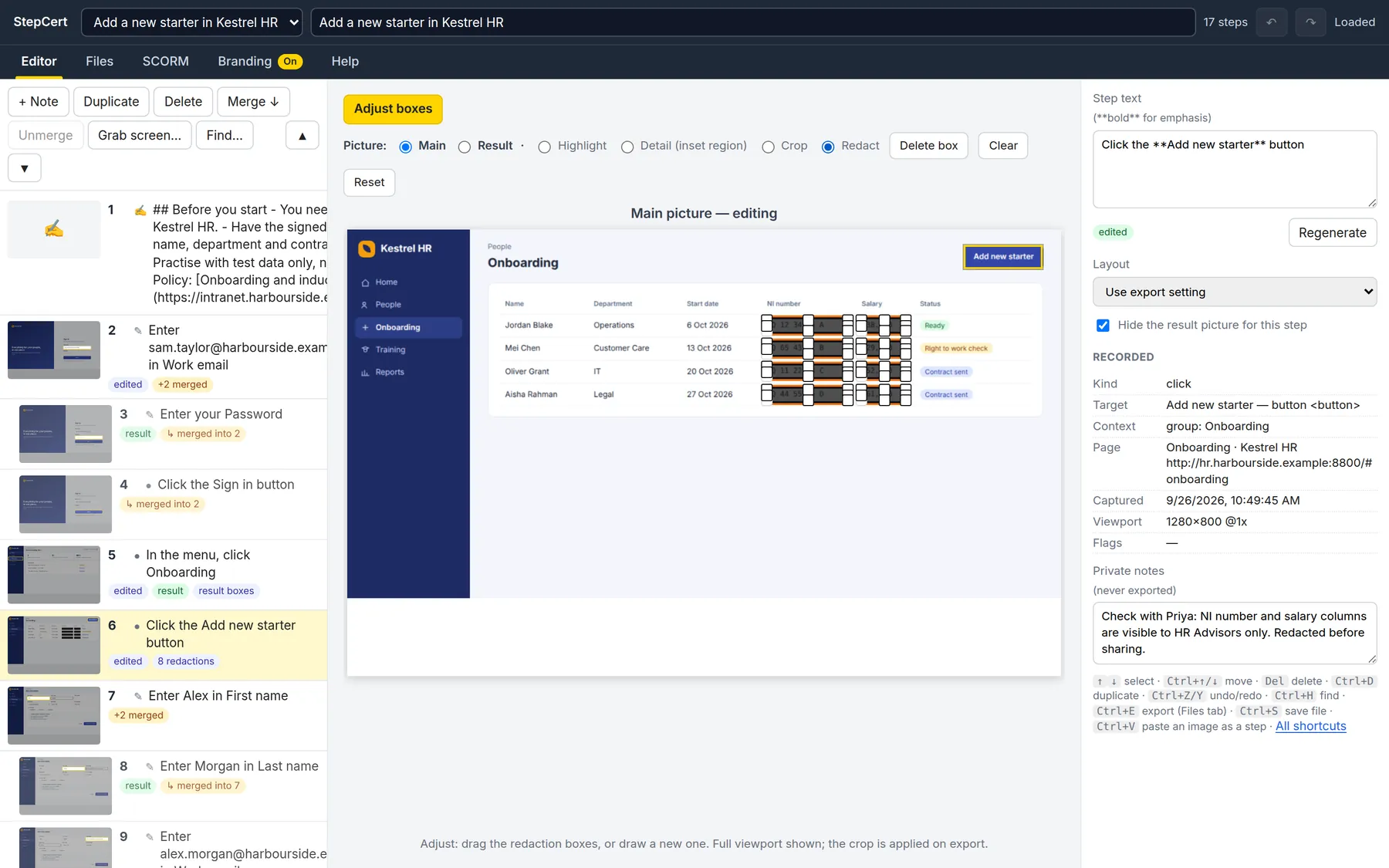
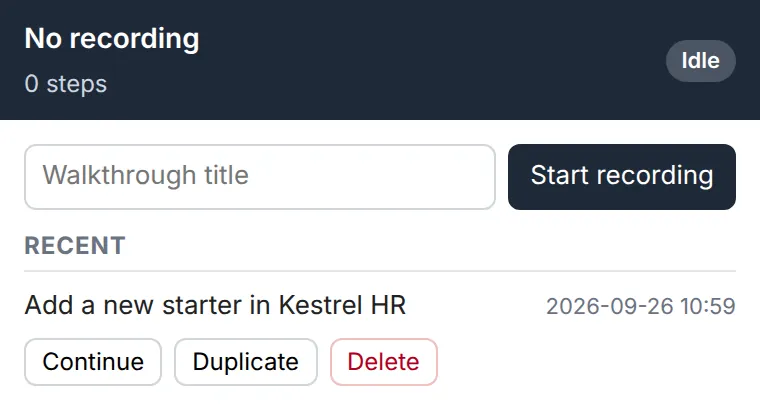
- Press Start recording and do the task once.
Keep your key somewhere safe. You can manage your subscription, download invoices or get the key emailed to you again from Manage your licence.
Manage your licence
One licence per email address. If you try to buy again with an address that already has an active licence, Stripe takes you to your billing page instead of charging you twice.
Privacy policy
Last updated 25 September 2026. This is a starting draft; have it reviewed for your business and country before you rely on it.
The StepCert extension
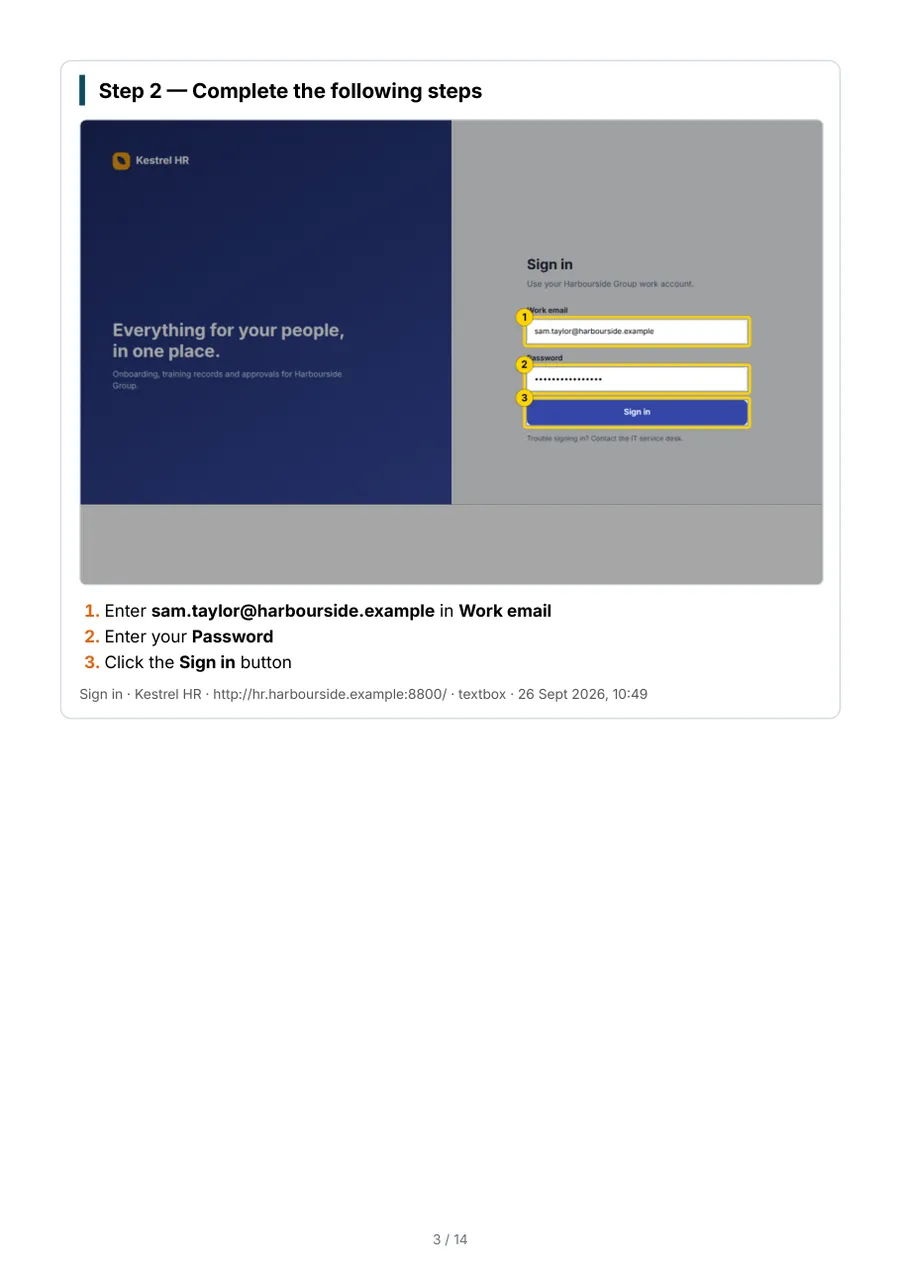
The extension stores your recordings, screenshots, branding and settings in your browser on your computer. It does not send them to us or to anyone else, and it has no analytics or tracking. When you export a document or build a course, the file is created on your computer, and it goes only where you send it.
To check your licence, the extension signs in to this website. When you sign in it sends your email address, your licence key, a random ID it creates for that browser, and a general description of the browser such as “Chrome on Windows”. After that it sends a sign-in token about once a day. We use these only to confirm the licence is active and to limit it to 3 browsers at a time. The extension doesn’t store your licence key.
Courses you build
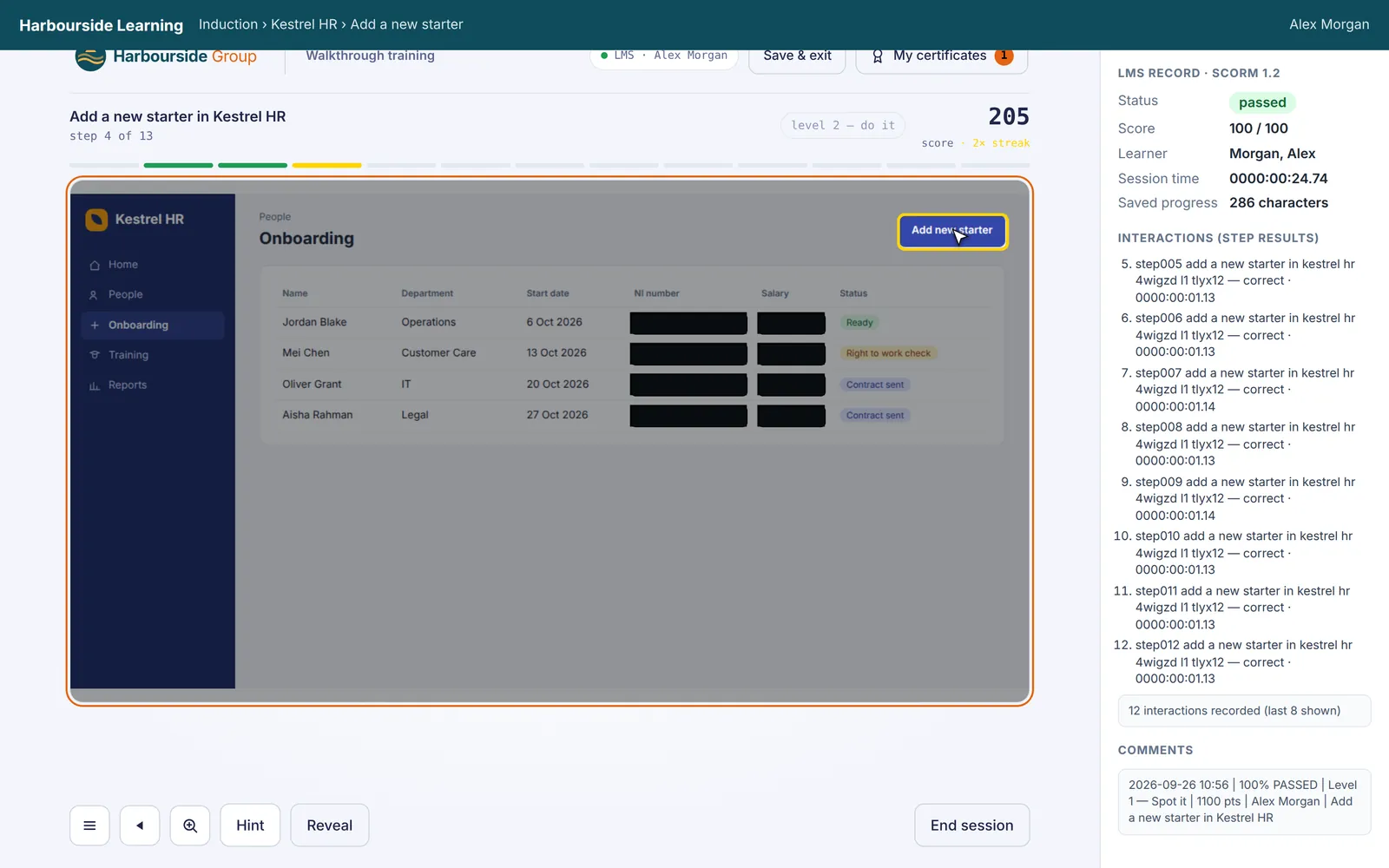
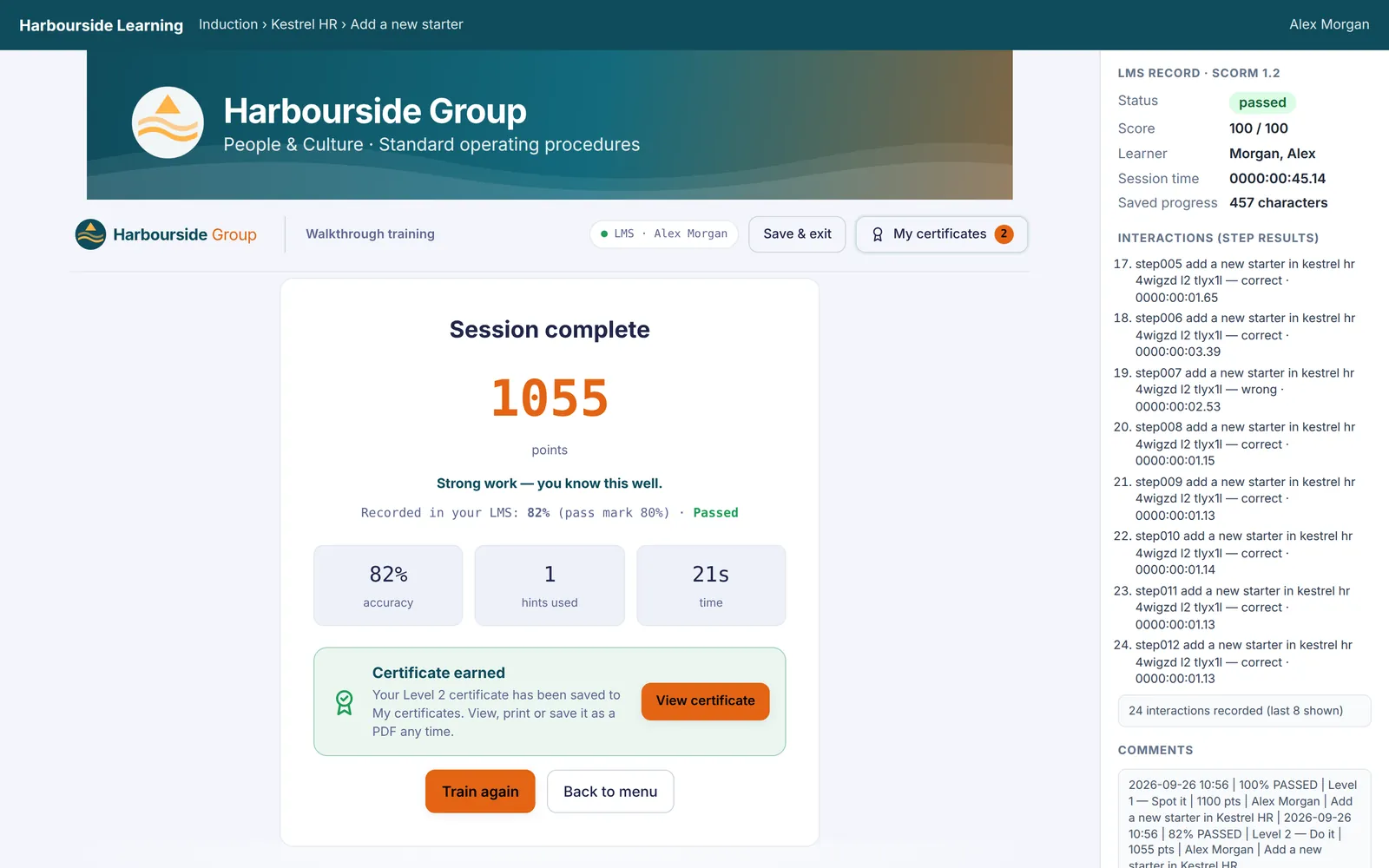
Courses run inside your learning management system and send learning results only to it (or to the learning record store it tells the course to use). They load nothing else from the internet.
This website and your purchase
Payments are handled by Stripe. We never see or store your card details. We keep your email address, your licence key, and your Stripe customer and subscription identifiers so we can deliver and support your licence. For each browser signed in to your licence we keep its random ID, its description (such as “Chrome on Windows”) and when it last checked in; signing out removes them, and browsers not used for 60 days are removed automatically. If email delivery is set up, we use an email provider to send your key.
This website sets no tracking or advertising cookies. Our hosting provider, Cloudflare, processes basic request information such as IP addresses to deliver and protect the site.
Your rights
You can ask for a copy of the information we hold about you, or ask us to delete it, by emailing sales@stepcert.com. We keep purchase records as long as the law requires.
Terms of sale and use
Last updated 25 September 2026. This is a starting draft; have it reviewed for your business and country before you rely on it.
Your licence
A StepCert licence is for one person. While your subscription is active you may use StepCert on up to 3 browsers at a time and make unlimited walkthroughs, documents and courses, for any number of learners. You may not share your licence key with other people.
Billing
StepCert is billed yearly in advance through Stripe and renews automatically until you cancel. You can cancel at any time from your account page; your licence stays active until the end of the year you've paid for. If you're not happy, email us within 30 days of your first payment for a full refund.
What you make is yours

You own the walkthroughs, documents and courses you create. Documents and courses keep working after your subscription ends.
Our responsibility
StepCert is provided as is. We work hard to keep it reliable, but we can't guarantee it will work with every website or LMS. Check your documents and courses before you publish them. To the extent the law allows, our liability is limited to the amount you paid in the last 12 months.